Discord CalendarGaming
Discord Calendar for Gaming Guilds - Raid Schedules and Game Nights
Published at Tue Nov 03 2026
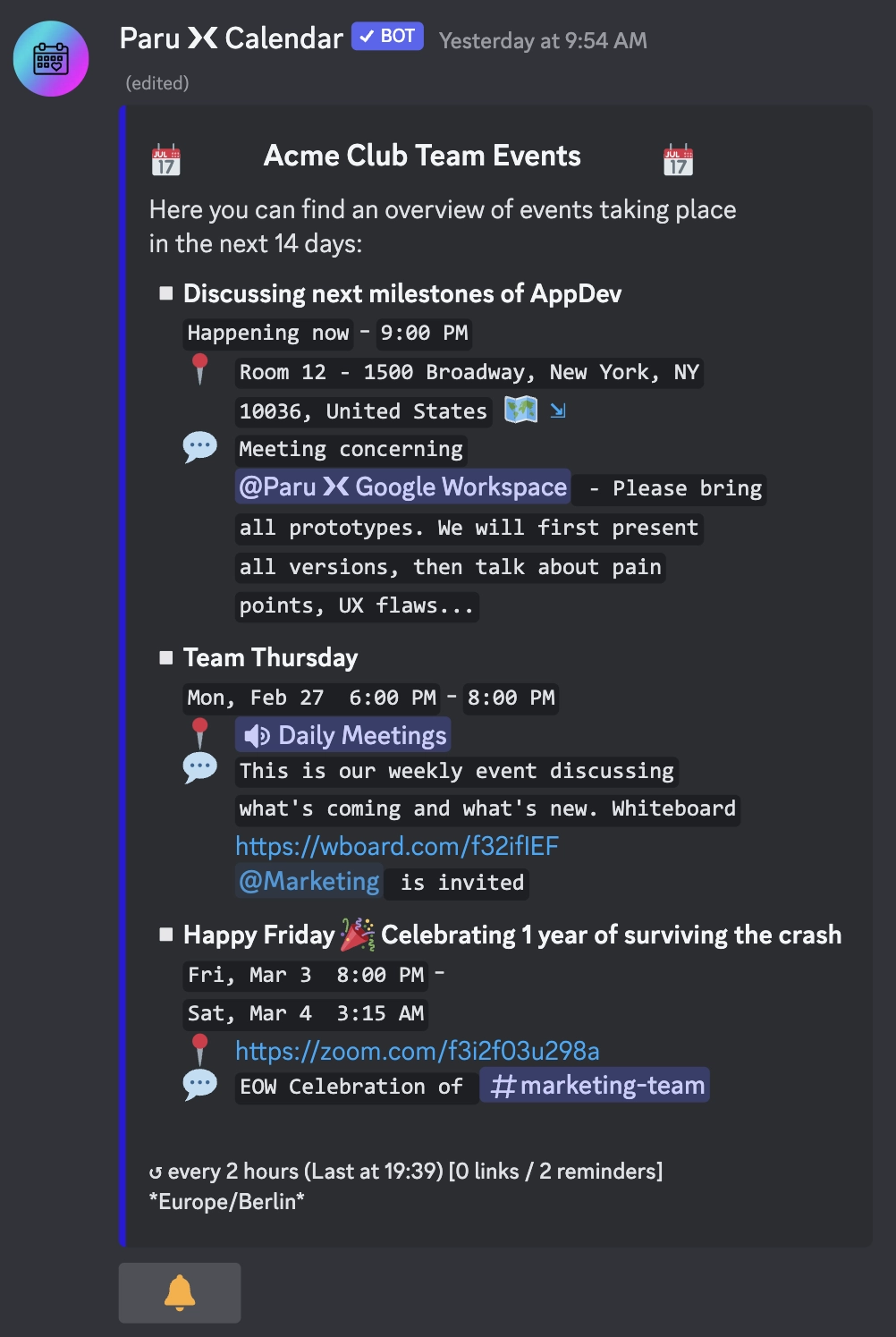
A guild or clan lives on its schedule: raid nights, scrims, tournaments and casual game nights. When the schedule is in chat messages, half the roster misses an update and the raid starts with missing players. A calendar in a dedicated channel keeps everyone on the same page.
A setup that works for guilds
- One calendar channel. Create
#scheduleand run/paru createin it, showing the next two to four weeks. - Plan in Google Calendar. Officers keep the plan in a shared calendar and link it with
/paru link. See Google Calendar to Discord. - Role reminders. Add a reminder with
/paru reminder addfor your raid role so only the people who need to show up are pinged. - Discord Events sync. Turn on the sync with
/paru modifyif members like the “Interested” button.
Tips
- Give events a consistent naming pattern, such as “Raid - Tier 3 - 20:00”, so the calendar is scannable.
- Use the description field for the meeting point or the strategy link.
- Mention the calendar’s time zone in the channel topic if your roster is international, or turn on dynamic times with
/paru modify(a premium option), so every member sees events in their own local time. See time zones for Discord events. - Remember that reminders on the free plan are not minute-precise. For raids that start exactly on time, check the plans.
A calendar bot for your server with automatic time zone conversions? Try Paru ❯❮ Calendar, the Discord calendar bot, for free! Bring Google Calendar & other ics Calendars to Discord.
PM & Channel reminders
Timezone-native. Fully customizable.
2-Way- Discord Events sync
25 language support. Mobile-optimized.
PM & Channel reminders
Timezone-native. Fully customizable.
2-Way- Discord Events sync
25 language support. Mobile-optimized.
Add to Server