
Discord CalendarTabletop RPG
Discord Calendar for D&D and Tabletop RPG Groups - Plan Sessions Easily
Published at Tue Nov 10 2026
Finding a date for the next session is the hardest part of running a tabletop campaign. Once it is agreed, the date is often lost in a long chat thread. Putting sessions in a calendar that your Discord server displays solves the second half of that problem.
How to set it up
- Create a shared calendar (for example in Google Calendar) for your group and add each session as an event, including the start time and a note such as “Session 12 - Chapter 3”.
- Add Paru to your server and run
/paru createin your#next-sessionchannel. - Link the shared calendar with
/paru link. - Add a reminder with
/paru reminder addfor your players’ role.
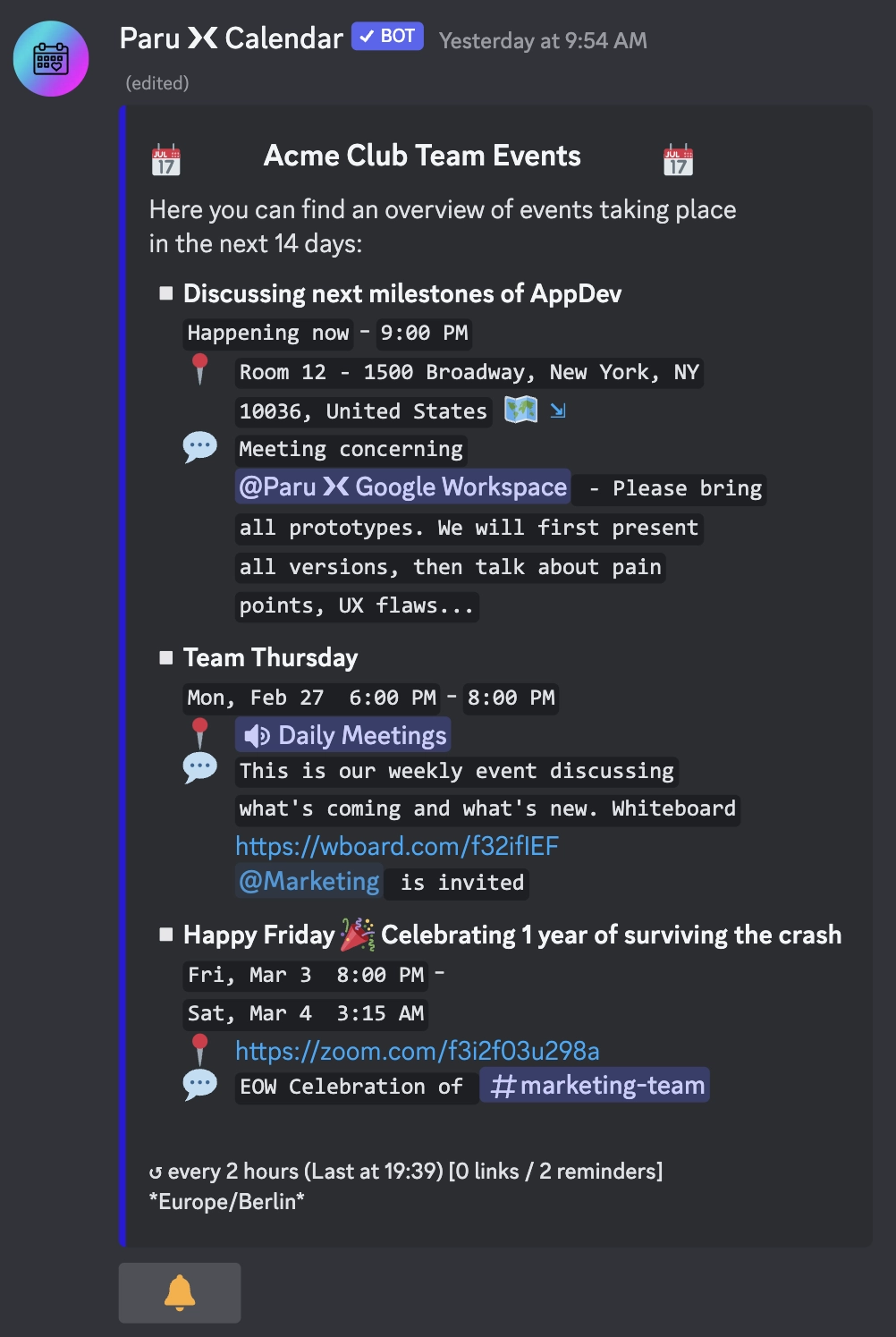
Players can also use the bell next to the calendar to get an individual reminder for a session, without notifying everyone.
Useful extras
- Time zone: set the calendar’s zone with
/paru timezoneso the start time is unambiguous. If your players live in different zones, a premium plan lets you turn on dynamic times with/paru modify, so every member sees events in their own local time. See time zones for Discord events. - Description field: add the VTT link, the recap or what players should prepare.
- Several groups: run one calendar per channel, for example one per campaign.
A calendar bot for your server with automatic time zone conversions? Try Paru ❯❮ Calendar, the Discord calendar bot, for free! Bring Google Calendar & other ics Calendars to Discord.
PM & Channel reminders
Timezone-native. Fully customizable.
2-Way- Discord Events sync
25 language support. Mobile-optimized.
PM & Channel reminders
Timezone-native. Fully customizable.
2-Way- Discord Events sync
25 language support. Mobile-optimized.
Add to Server